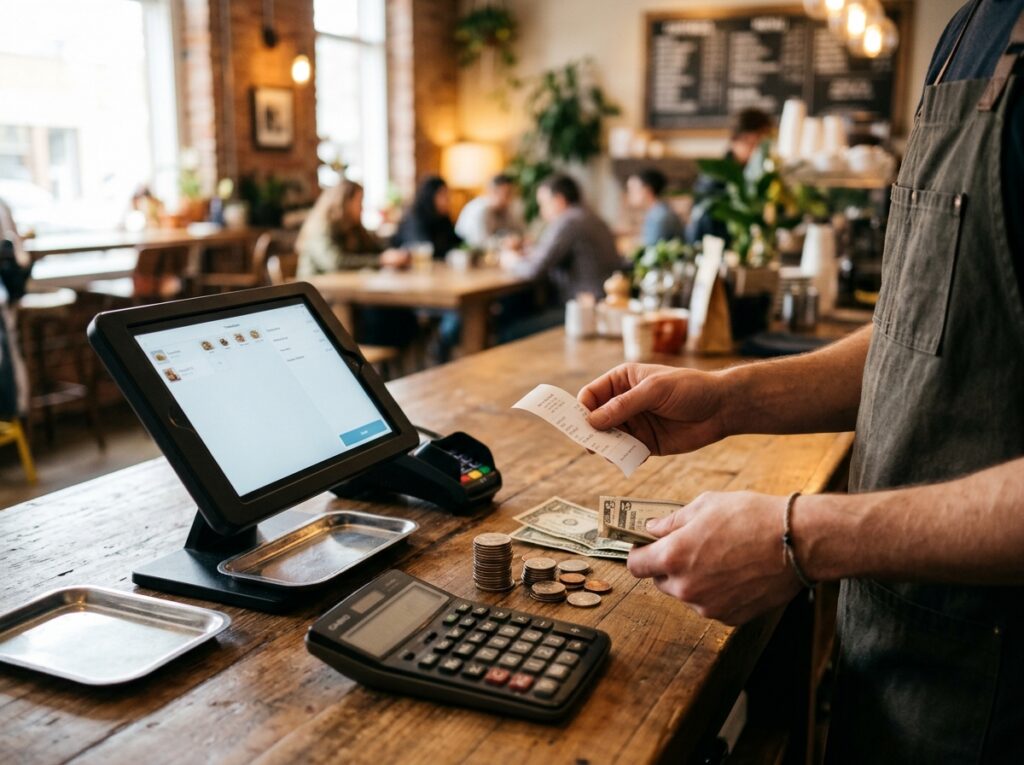
A practical look at the full cost of running a restaurant or café
A POS system costs more than its monthly price
For a restaurant or café, the point-of-sale system sits at the center of a busy operation. It helps staff enter orders, process payments, coordinate service, and keep sales information organized. Because it is used every day, it can be tempting to compare systems by looking only at the monthly subscription or the price of the hardware.
That number matters, but it does not tell the whole story. The real cost of a POS system includes the services required to keep it running and the additional tools a business may need as its operation becomes more complex.
Look at the complete cost of ownership
Start by listing every recurring and one-time expense associated with the current setup. Depending on the provider and agreement, costs may include payment processing, terminals and peripherals, installation, training, support, software add-ons, and fees associated with changing or ending a contract.
Restaurants should also consider how separate services fit together. Online ordering, delivery coordination, customer loyalty, gift cards, kitchen display systems, inventory, and employee tools may each be useful. If they require separate subscriptions or disconnected applications, the total monthly expense can grow beyond the original estimate.
Consider the operational cost
The invoice is only one part of the calculation. A system that requires staff to re-enter online orders, switch between applications, or reconcile information manually can add work to every shift. When the restaurant is busy, duplicated tasks and disconnected workflows can make it harder to keep orders moving smoothly.
Ask how online orders reach the POS, whether relevant customer and sales information stays connected, and how the system supports the work your team performs every day.
Build a realistic comparison
Create a side-by-side comparison that includes monthly fees, processing costs, equipment, add-ons, support, and the time required to manage separate tools. Use your actual statements and contracts rather than relying on a headline price. Costs vary according to transaction volume, business model, provider, and selected services.
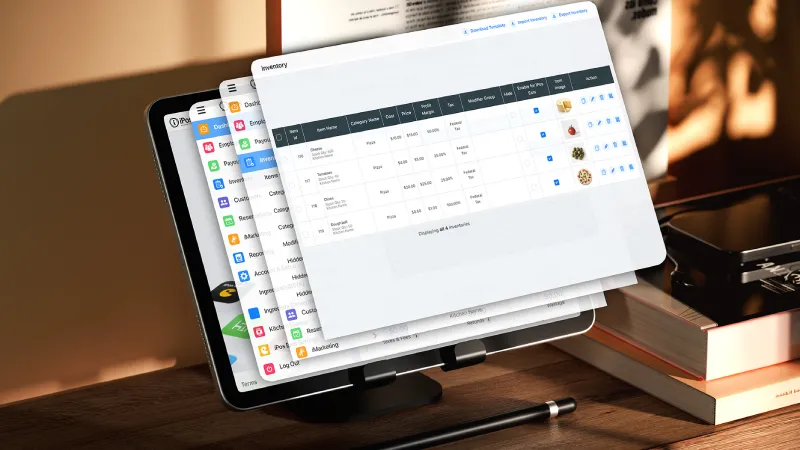
iPOS describes its platform as an integrated system for functions such as online ordering, delivery, inventory, customer information, loyalty tools, and restaurant operations. The relevant question is not simply how many features are listed, but whether the included tools address real needs without adding unnecessary complexity.
Choose for the business you are building
A small café may need a fast counter-service workflow, while a full-service restaurant may place greater importance on tableside ordering, kitchen communication, and delivery. A growing business may also need reporting and consistent processes across locations. The right comparison begins with your own operating requirements. Ask for a complete breakdown of charges, confirm which services are included, and review how the solution will support your team as the business grows. A clear view of total cost helps you make a more informed investment.
Key Takeaway
Compare the full cost of ownership—not just the monthly subscription. Include processing, hardware, add-ons, support, and the time your team spends working around disconnected systems.
A practical next step
At iPOS, we focus on bringing essential business tools into one connected platform. Start with a clear picture of your current costs and the operational needs you want your POS to support.