The expenses restaurants and cafés may overlook when choosing technology
The monthly fee is only the beginning
When a restaurant reviews its POS budget, the monthly subscription is often the easiest number to find. But the cost of operating a system can extend to payment processing, hardware, software extensions, training, and the work required to keep different tools in sync.
These expenses may be overlooked because they appear in different places: a processing statement, a separate software invoice, an equipment agreement, or the daily work of the restaurant team.
1. Payment processing charges
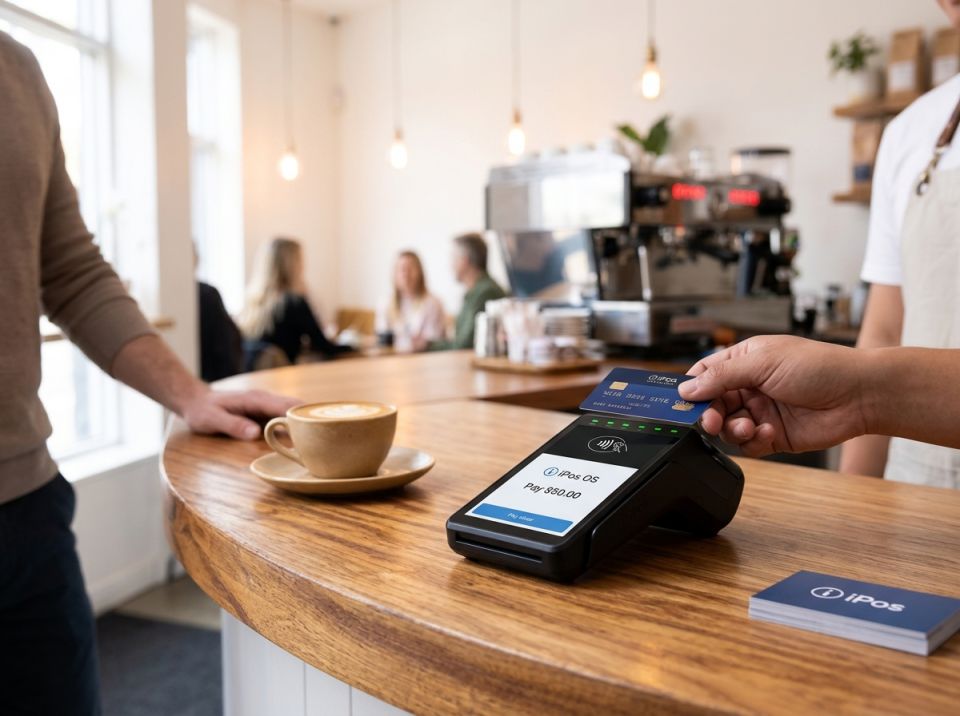
Card processing costs can include several components, and the structure depends on the provider and agreement. Rates may vary by card type, transaction method, and other factors. Review your processing statements and ask the provider to explain each charge in plain language. Do not compare advertised rates unless you know which fees and conditions are included.
2. Hardware, maintenance, and replacement
Terminals, tablets, printers, cash drawers, kitchen devices, and network equipment all have practical lifespans. A low initial hardware price does not tell you what replacement, repairs, accessories, or additional devices may cost later. Consider the equipment needed at the counter, in the kitchen, and across the service area.

3. Add-on software and integrations
A restaurant may need online ordering, delivery management, loyalty, gift cards, customer messaging, inventory tools, or kitchen display functionality. Some POS packages include certain capabilities, while others charge extra or rely on third-party applications. The result can be multiple bills, separate logins, and extra work to move information between systems.
List the features your restaurant actually uses and confirm the cost of each one. Ask whether integrations are native, what information they share, and whether additional fees apply.
4. Training, support, and downtime
New employees need to learn the system, and menus, workflows, and procedures change over time. Ask what training and ongoing support are included and whether assistance is available when your business needs it. If the system becomes unavailable or an order fails to reach the kitchen, the disruption can affect service and revenue.
5. Manual work and disconnected processes
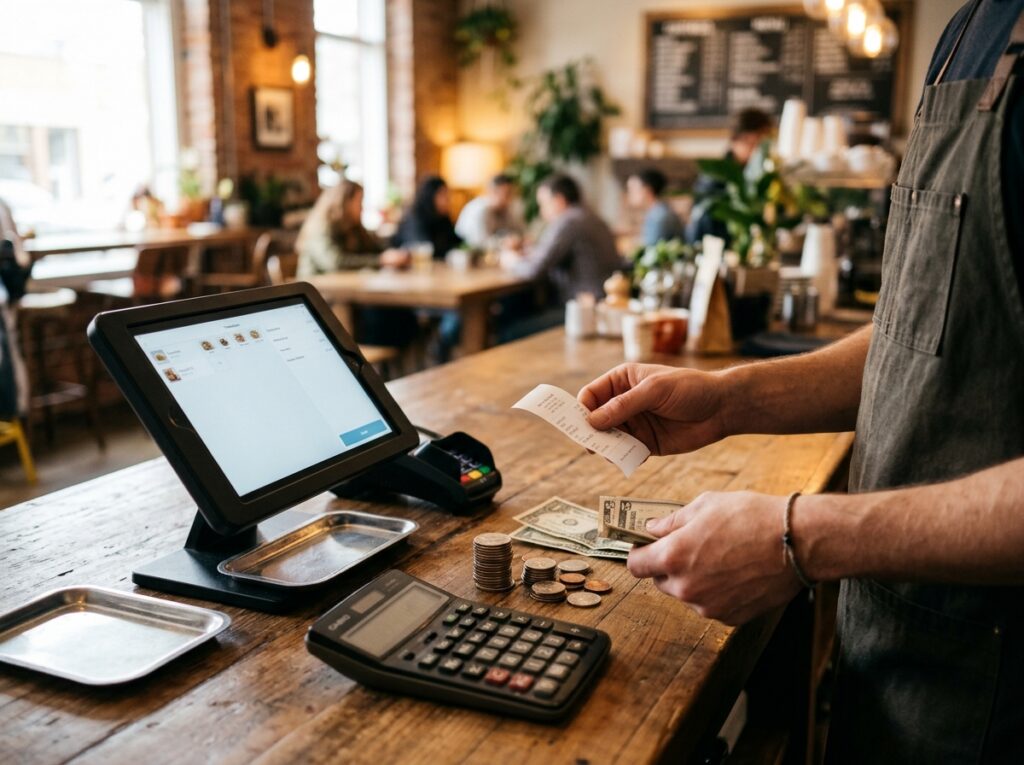
A less obvious cost is the time spent entering the same order more than once, checking information across applications, or reconciling reports from different sources. For restaurants that manage in-house, pickup, and delivery orders, connected workflows can reduce repetitive tasks and make it easier to see what is happening across the operation.
How to uncover the full picture
Review several months of invoices and statements. Group costs into processing, hardware, software, support, and operational work. Ask prospective providers for a written breakdown of recurring charges, optional features, contract terms, and included services.
iPOS presents its product as an integrated platform with features such as online ordering, delivery, inventory, customer data, loyalty, and restaurant tools. Compare the actual package and terms rather than assuming every business will save the same amount.

KEY TAKEAWAY
Review processing statements, equipment costs, software add-ons, support terms, and manual work. Gather every expense in one place to see the full picture.
A practical next step
A thoughtful POS review is not about finding the lowest headline price. It is about understanding what you pay for, what your team receives, and whether the system helps your restaurant operate with fewer unnecessary complications.